Exploring My Home Lab: A Learning Environment for IT and Cybersecurity
Discover my Home Lab, an educational space encompassing all aspects of IT and cybersecurity.

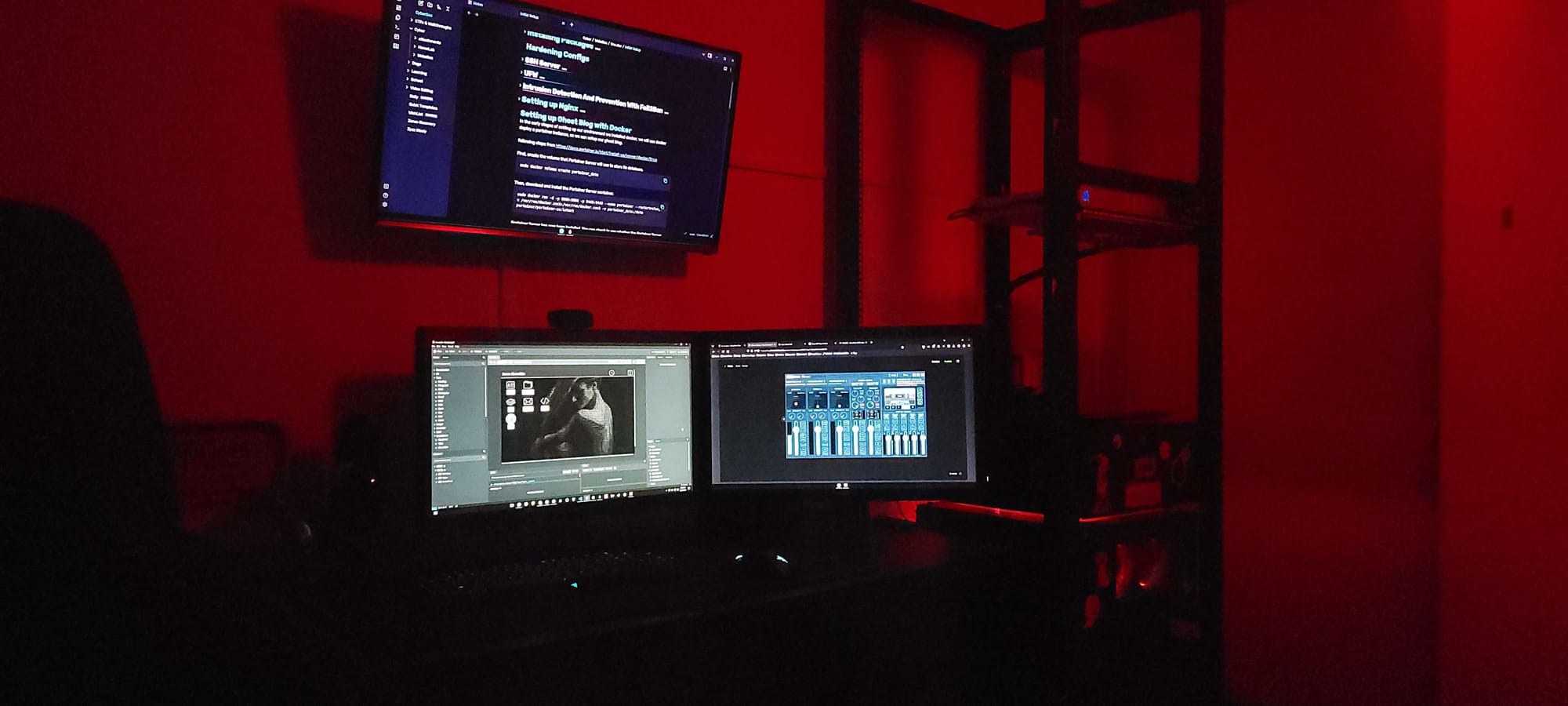
As a child, I harbored a fascination with hacking, fueled by iconic movies like “V for Vendetta,” “Hackers” (1995), and the series “Mr. Robot.” The rise of Anonymous and the tumultuous hacker scene from 2000 to 2015 further ignited my curiosity, opening my young mind to the possibilities of manipulating phones, PCs, and servers. This exposure completely reshaped my understanding of computers at the age of 10, particularly from a security perspective.
Naturally analytical and meticulous, I found myself drawn to dissecting processes, even dabbling in game creation with Lua and Lua-C on Roblox. Understanding how something is built seemed to hold the key to uncovering its vulnerabilities—a notion that deeply intrigued me.
The idea of safeguarding a server, comprehending its inner workings, and simultaneously exploring ways to breach its defenses enthralled me. To me, playing both the role of adversary and defender felt empowering—it instilled a sense of control and mastery over the digital realm.
The Early Stages
In my early teens, I harbored ambitious dreams of constructing a robust cybersecurity lab, driven by my passion for technology. However, limited by financial constraints, I found myself confined to my trusty MacBook Air. Undeterred, I delved into the world of Roblox game development while simultaneously immersing myself in the study of operational security (OPSEC) and privacy-enhancing technologies.
It wasn't until the age of 15 when I finally acquired my first prebuilt PC that my journey into cybersecurity truly began. Armed with newfound computing power, I eagerly delved into the realm of virtualization technology, experimenting with platforms like VirtualBox and exploring various Linux distributions such as Kali Linux, Ubuntu, and Manjaro.
My time was split between platforms like TryHackMe and self-directed learning, as I threw myself headfirst into the world of hacking. However, I soon realized the importance of mastering the fundamentals of networking and understanding the intricacies of hardware—a realization that prompted me to broaden my skill set.
By the age of 18, I had secured a contract job, enabling me to amass a decent amount of capital. With this newfound financial freedom, I wasted no time in assembling my long-awaited home lab—a pivotal moment that marked the beginning of a new chapter in my cybersecurity journey.
Building The Lab
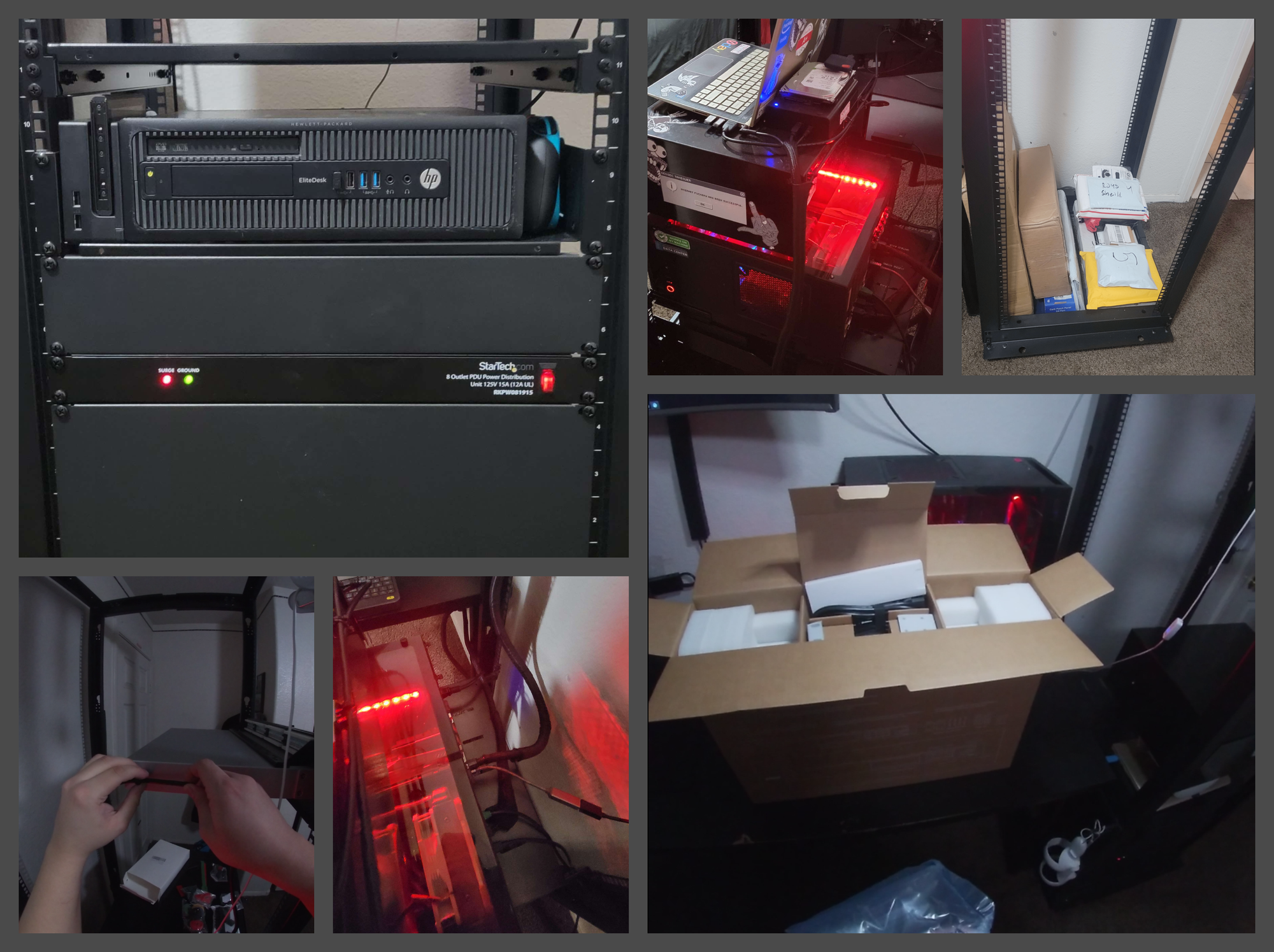
Lab environments and setups vary drastically based on wants and needs. In this case, I require a virtualization environment that will host web servers, Penetration Linux distros, SEIM, firewalls, and routers. Proxmox fits this need perfectly.
Unlike other virtualization platforms like VMware or VirtualBox, Proxmox is a type 1 hypervisor, meaning each operating system runs on bare metal. This architecture provides several advantages, including enhanced performance, improved security, and better resource utilization. Additionally, Proxmox offers integrated management through a user-friendly web-based interface, making it easy to create and manage virtual machines (VMs), containers, storage, and networking. Its built-in high availability (HA) features ensure business continuity by automatically migrating VMs to healthy hosts in case of hardware failure, minimizing downtime.
Moreover, Proxmox supports containerization technologies like LXC (Linux Containers) and Docker, enabling lightweight and efficient deployment of applications within isolated environments. The platform's scalability, performance, backup, and disaster recovery capabilities further contribute to its appeal. With an active community of users and developers, Proxmox benefits from continuous improvement and support, making it an excellent choice for building and managing virtualized environments.
Picking Hardware
In my quest to maintain cost-effectiveness, I scoured eBay for server racks, used PCs, and router/firewall solutions. Fortunately, I managed to snag a Star tech 42U server rack for just $124, a steal considering it typically fetches upwards of $350. With our structural foundation secured at a bargain, my attention turned to finding a router/firewall to replace my ISP-provided modem. After careful consideration, I settled on the Ubiquiti UniFi UDM Pro for several compelling reasons:
- Cost-Effectiveness: The UDM Pro offers enterprise-grade features at a fraction of the cost compared to traditional solutions like Cisco. Its affordable price point and comprehensive feature set make it an attractive option for small office and home office (SOHO) environments.
- Integrated Solution: The UDM Pro combines multiple networking functions into a single device, including routing, firewall, switching, and controller capabilities. This integration streamlines network management and reduces complexity, making it ideal for environments where space and budget are limited.
- Scalability: Despite its compact size, the UDM Pro is highly scalable, capable of supporting growing network demands without sacrificing performance or security. Its modular design allows for easy expansion with additional UniFi devices, providing flexibility for future upgrades.
- Unified Management: With UniFi Controller software built-in, the UDM Pro offers centralized management of UniFi devices, simplifying configuration, monitoring, and troubleshooting. This unified approach enhances efficiency and visibility across the network.
- Security Features: Equipped with advanced security features such as intrusion detection/prevention, VPN support, and VLAN capabilities, the UDM Pro helps protect networks from cyber threats and unauthorized access. Its robust security measures provide peace of mind for SOHO users.
While some critics argue that Ubiquiti UniFi UDM Pro lacks real learning benefits for networking and primarily guides users through menus, I can see their perspective. However, it's essential to note that while I intend to explore networking concepts, I don't aspire to become a Cisco Certified Network Associate and delve into command-line routing/switching. Instead, I plan to simulate those scenarios within a GNS3 network simulator environment.
The primary appeal of the UDM Pro lies in its ease of setup and accessibility without the need to master specific switch/router commands. Overall, despite the criticisms, the Ubiquiti UniFi UDM Pro remains a compelling choice for small and medium-sized businesses, offering a cost-effective, feature-rich solution tailored to the needs of SOHO environments seeking reliable networking infrastructure without excessive complexity.
Virtualization Environment
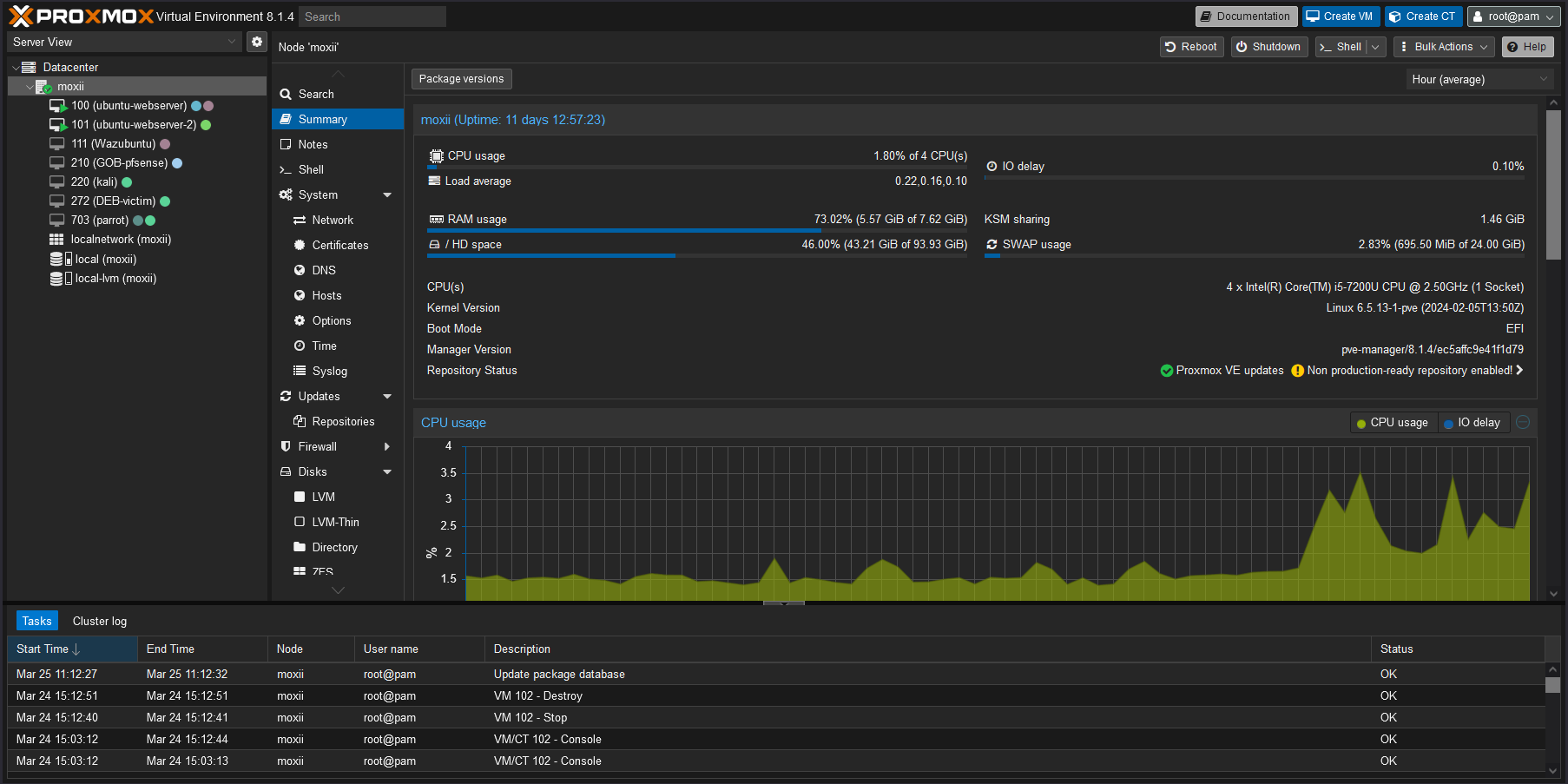
To power my Proxmox VE, I decided to repurpose an old, underutilized HP Pavilion 14M-DW1023 equipped with 8 GB of DDR3 RAM, 4 cores, and a 1 TB SSD. While it may seem low on resources, it provides just enough capability to run multiple machines simultaneously, including the web server you are currently accessing. Within this virtual environment, I have deployed various machines serving as web servers, routers, and desktop systems for client interactions.
As I plan to upgrade to a more robust hardware configuration in the future, this setup will accommodate additional Windows servers and desktops to serve clients. However, due to the current resource limitations, I primarily utilize lightweight Linux distributions within the virtualized environment.
Network Attached Storage
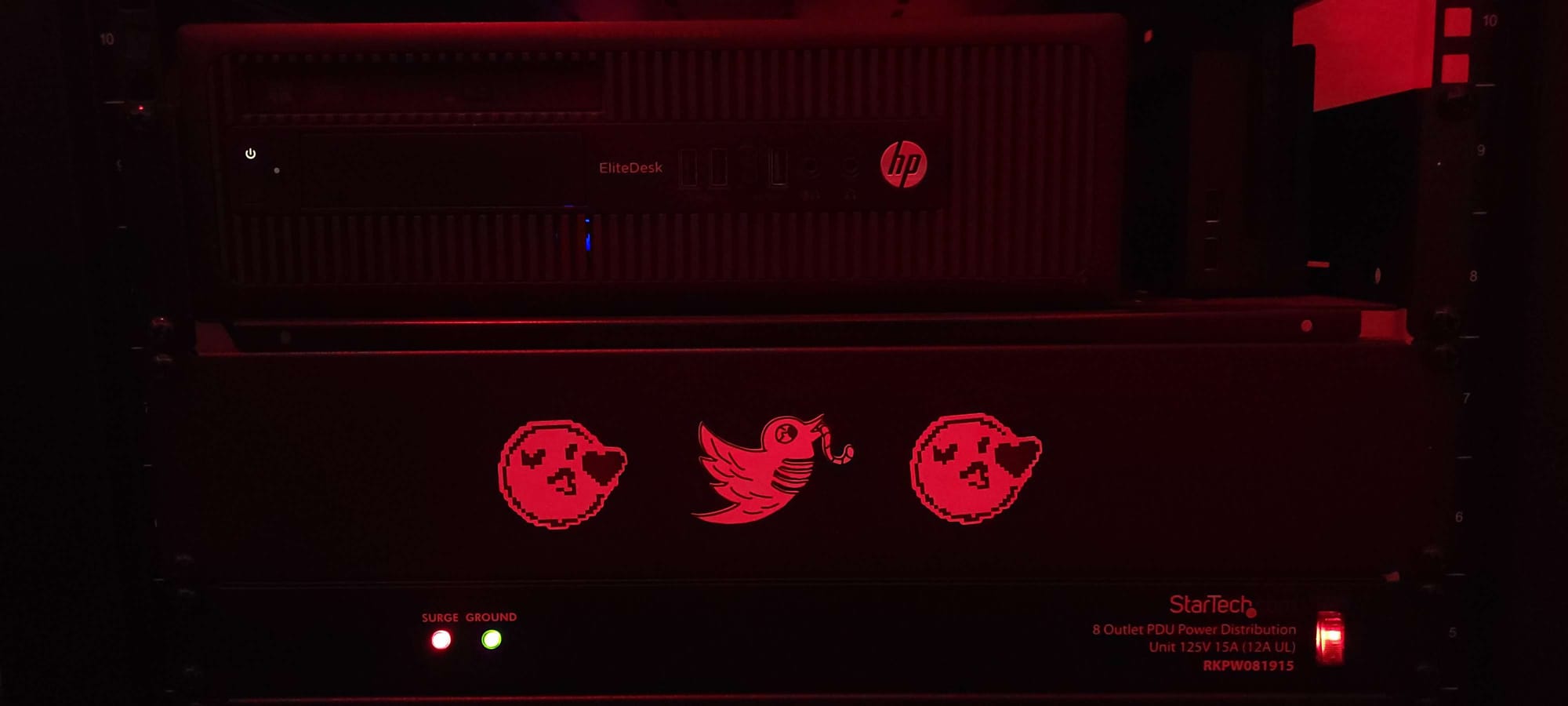
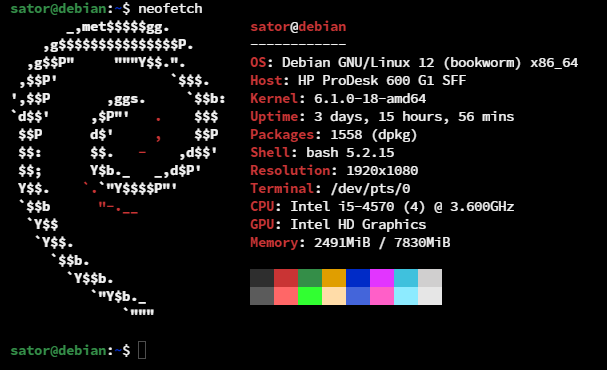
Within my home lab, a key component is my Network Attached Storage (NAS), housed within the HP EliteDesk 600 G1 SFF. I acquired this unit from an auction for just under $100, equipped with an Intel® Core™ i5-4570 processor, 8GB DDR3 RAM (expandable to 32GB), and a 500GB HDD. It was a fantastic bargain considering its specifications.
For the operating system, I opted for plain old Debian Server, leveraging Docker containers to manage various services such as Plex Media Server and SMB. The NAS serves as a centralized storage solution utilized by every member of my family for storing files, media, and link management, facilitated by a convenient Docker container called Linkwarden.
In subsequent posts, I will delve into the intricacies of the network setup and the software running on all systems within my home lab. Stay tuned for more details!
Present
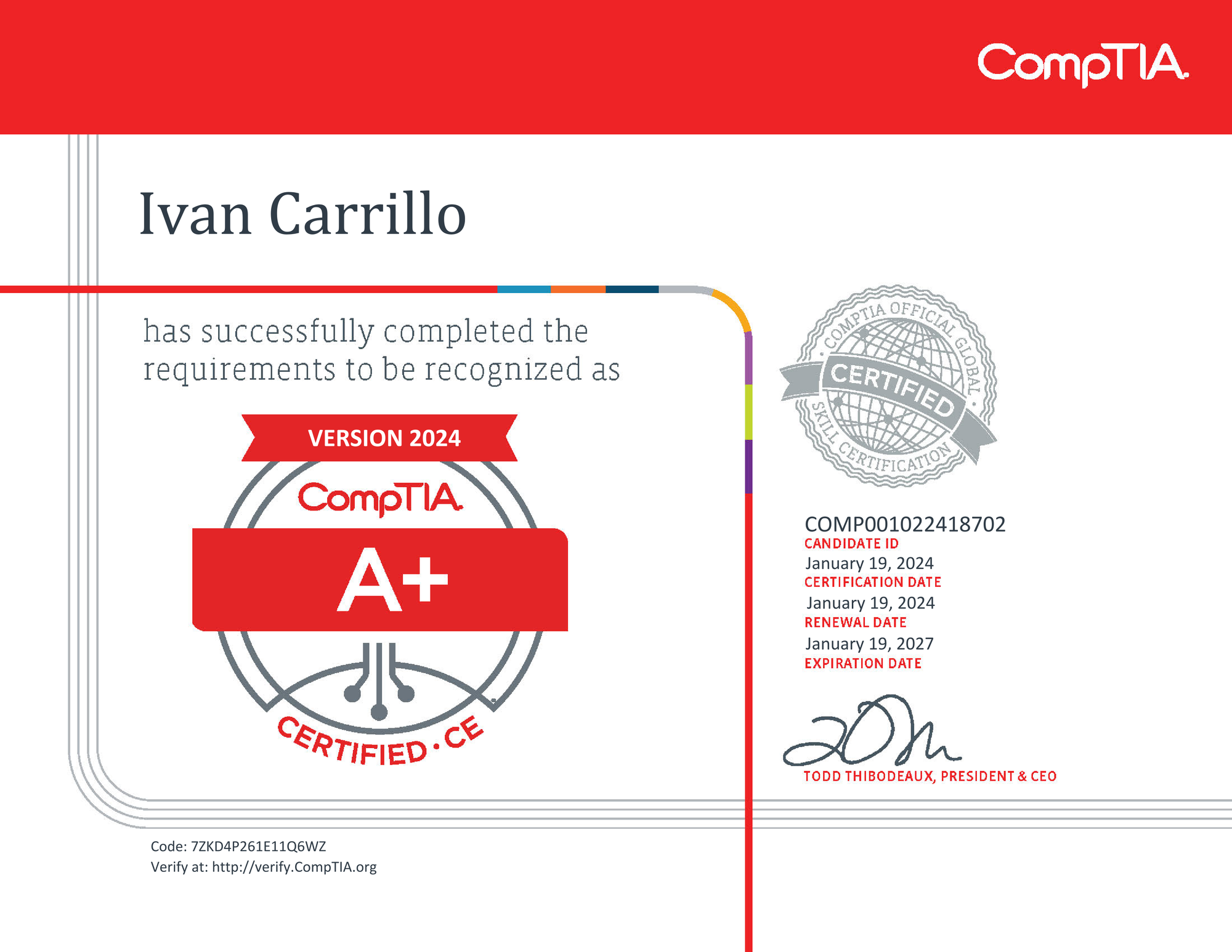
At 19 years old, I'm actively pursuing my CompTIA A+, Network+, and Security+ certifications to further my career in cybersecurity. With the A+ certification already under my belt and progress being made towards Network+, I'm steadily gaining confidence in my abilities. These certifications not only expand my skill set but also enhance my credibility when seeking opportunities in the industry.
Looking ahead, I have my sights set on more advanced credentials such as the Offensive Security Certified Professional (OSCP), Certified Information Systems Security Professional (CISSP), and Certified Information Systems Auditor (CISA). These certifications will deepen my expertise in cybersecurity and unlock new avenues for professional development and advancement.
If you've read this far, I genuinely appreciate your interest. Feel free to bookmark this website and visit frequently. Your support means a lot to me!